
 Join our Discord
Express Studios • RedM
Chat System
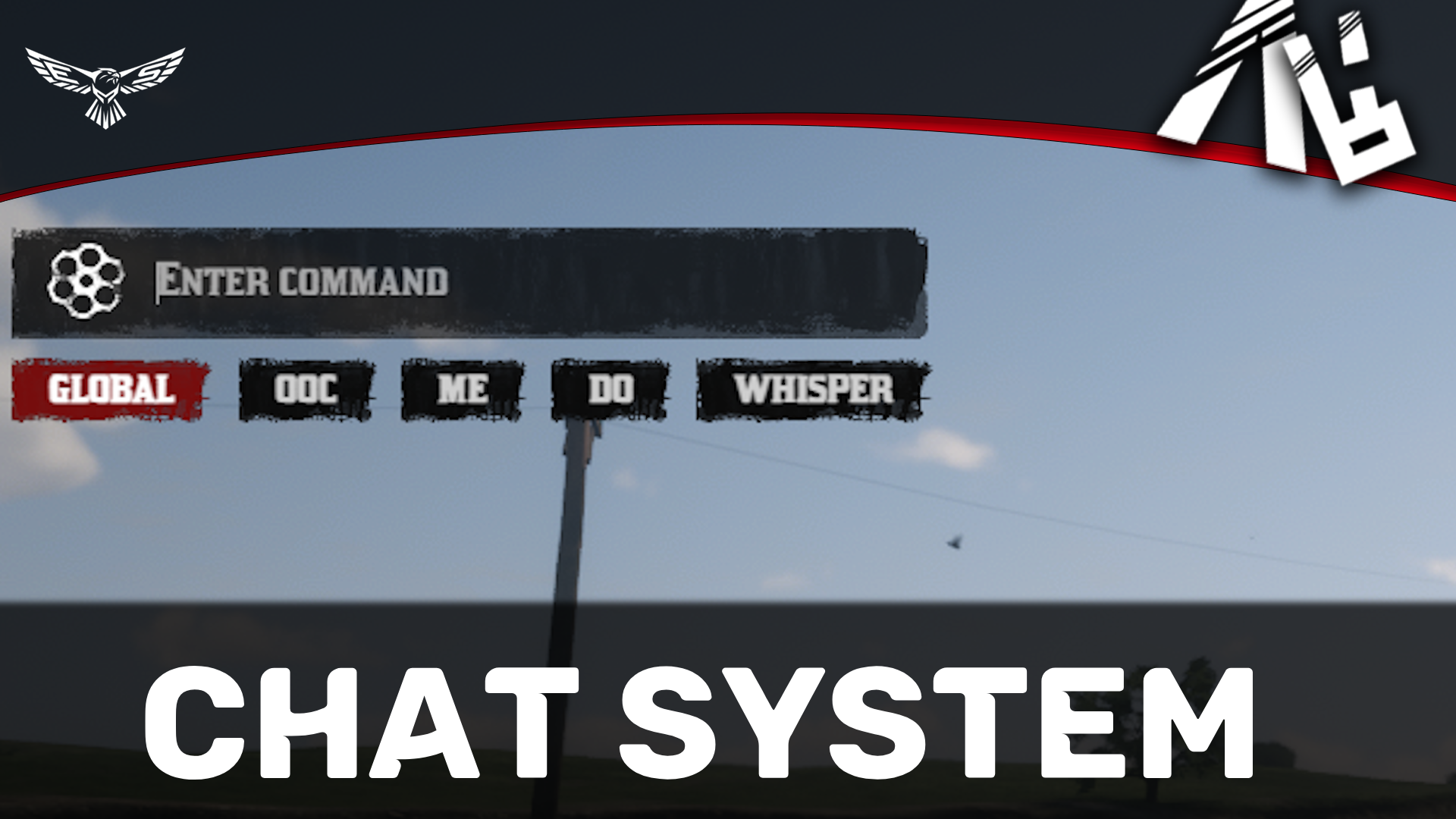
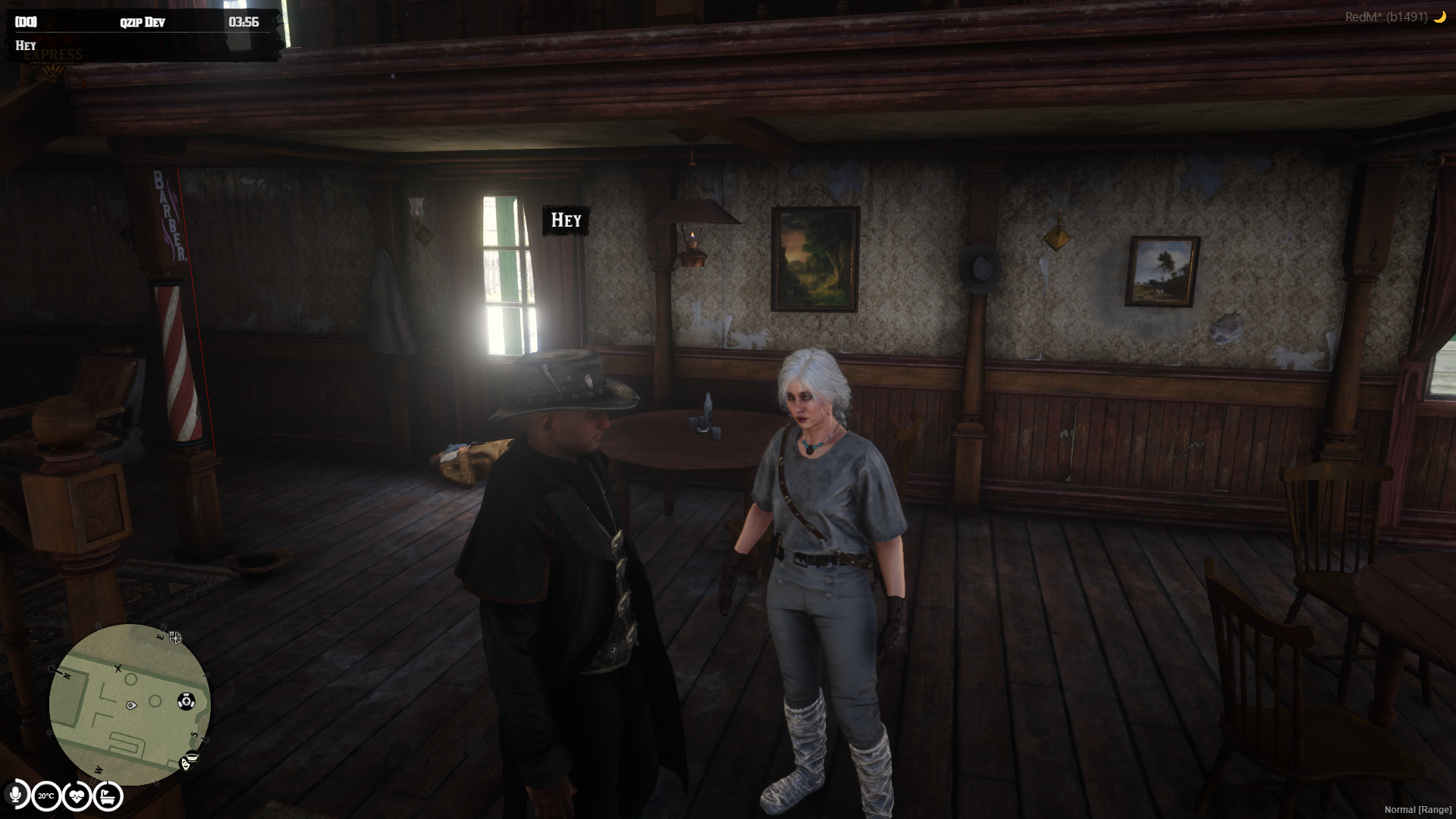
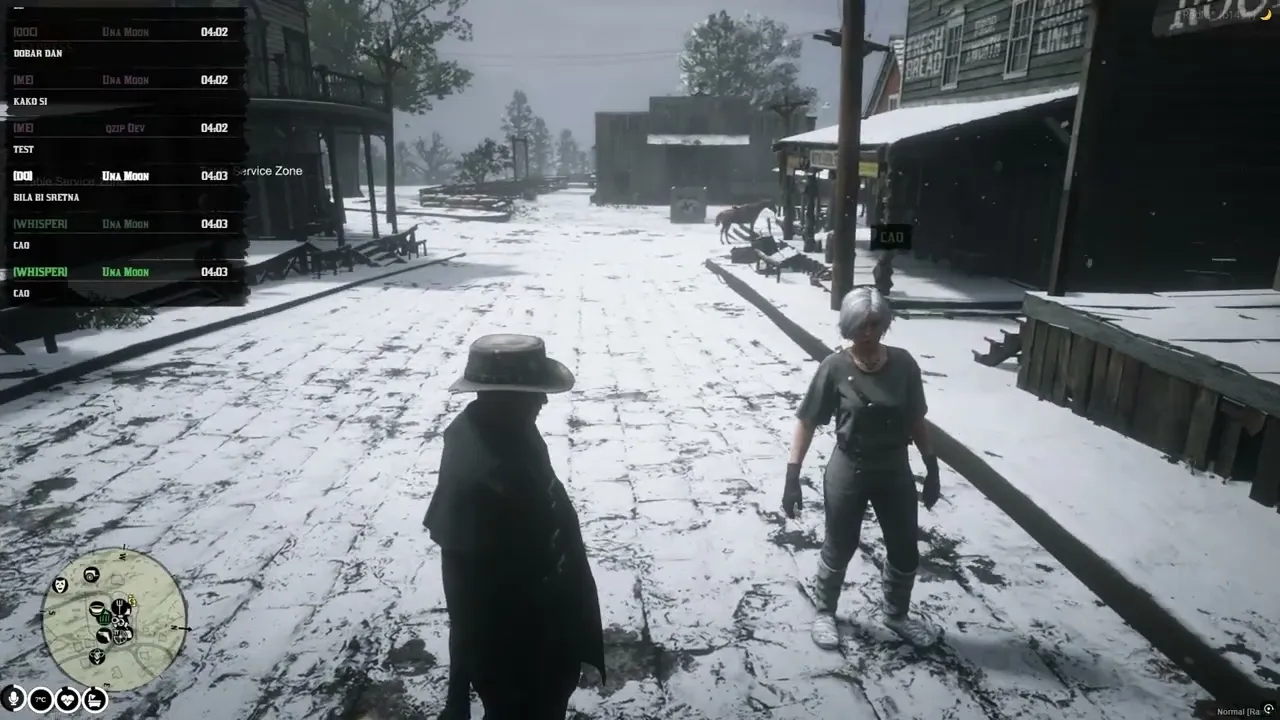
Enhance your server's communication with qzip-chat, an advanced and optimized chat system for RedM supporting both RSG and VORP. Featuring custom dialects, built-in mini-games, UI styles, and seamless performance.
Communicate • Dialects • Games • Customize
Key Features
| Feature | What to Expect |
| Emoji Support | Automatic conversion of text emoticons to emojis (e.g., :) → 🙂). |
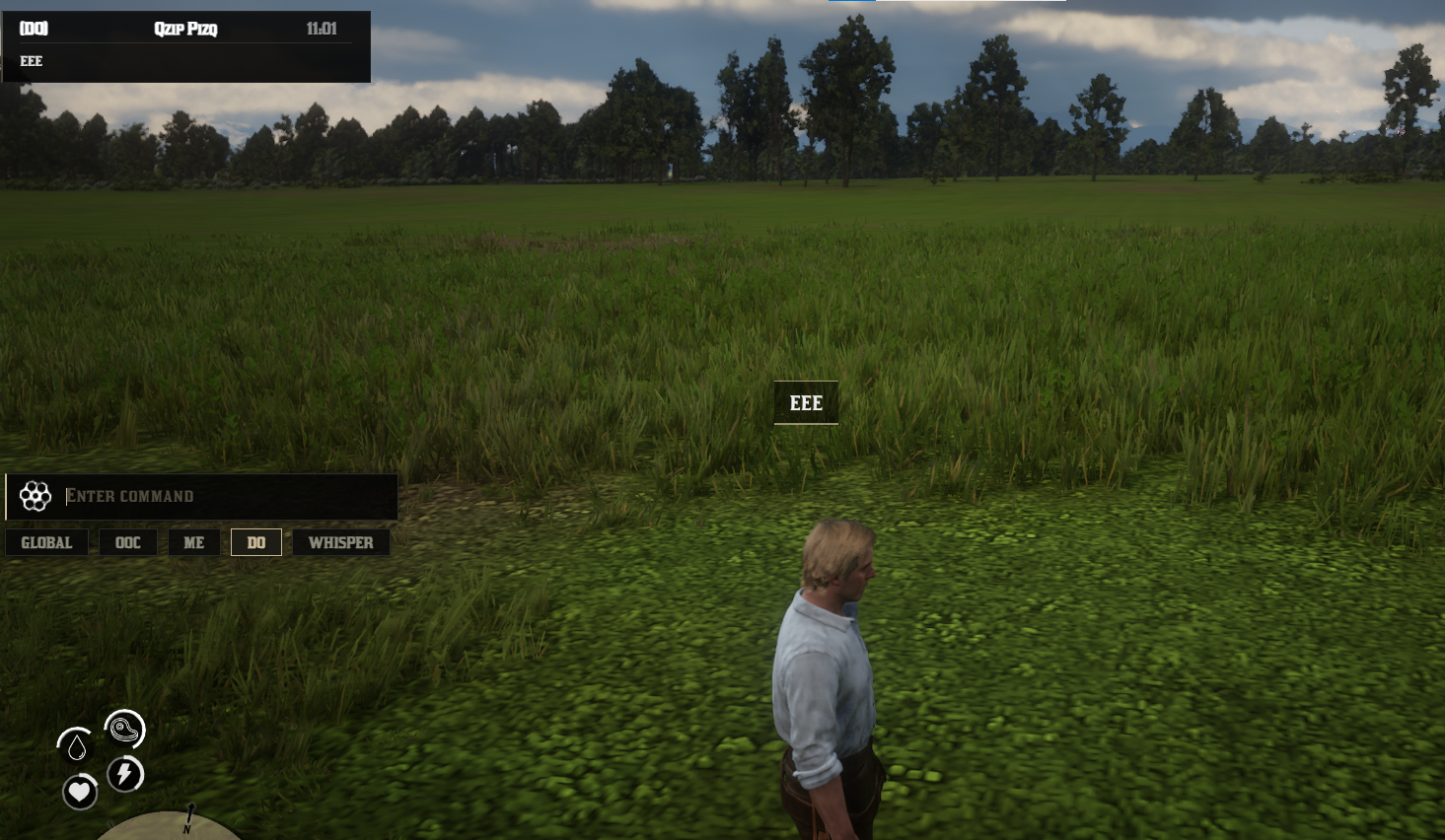
| Typing Indicator | Optional 3D text indicator when players are typing in chat. |
| Sound Effects | Includes button clicks, typing sounds, and native RedM announcement sounds. |
| Customizable Colors | Full color customization for all chat types and individual dialects. |
| Permission System | Admin, job, and group-based restrictions for OOC and announcements. |
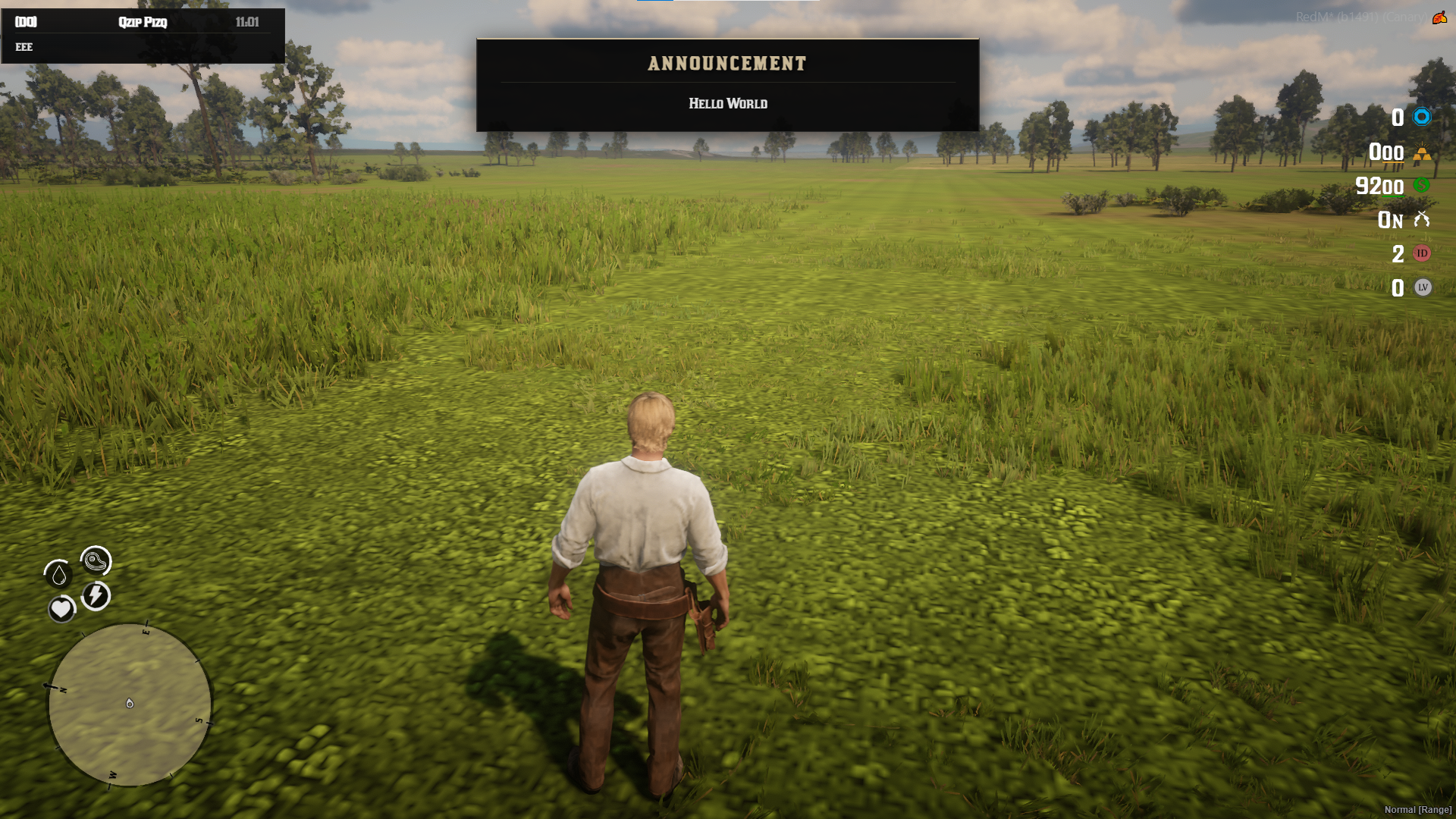
| Announcement System | Large popup notifications with custom sounds for server-wide messages. |
| Localization Ready | All text and strings are fully configurable in config.lua. |
| Framework Support | Auto-detects and integrates with either RSG or VORP framework. |
| UI Styles | Includes two distinct styles: RDR2 Classic and Golden. |
| Custom Dialect System | Create and configure your own custom dialects through Config.Dialects. |
| Group System | Create dialect groups where members understand the message while others see an unknown dialect. |
| Dialect Radius | Configure precise communication ranges for each individual dialect. |
| Native American Dialect | Includes /nat as a built-in example of a custom server dialect. |
| Dice & RPS Systems | Play dice rolls and Rock-Paper-Scissors directly through chat with dedicated icons. |
| Optimized 3D Display | Native 3D text display designed for smooth performance without heavy NUI elements over players. |
Configuration
- Dialects and custom language groups
- Chat colors and UI styles (RDR2 Classic / Golden)
- Minigames settings and text (Dice, Rock-Paper-Scissors)
- Notification and typing sound effects
- Permission levels for OOC and announcements
- Emoji picker and automatic text conversion
- Communication ranges and radii
Requirements & Compatibility
| Component | Details |
| Platform | RedM |
| Framework | RSG / VORP |
| Database | Not Required |
| Dependencies | None |
Designed for immersive roleplay
Bring your server's communication to life with advanced dialects, optimized performance, and flexible configurations tailored to your community.
Express Studios
RedM Resources
RedM Resources